Activate a Care Plan
New care plans are created as a draft so you can review them before care begins. Activating a plan makes it the client's live plan, so its visits and tasks are delivered and recorded during care.
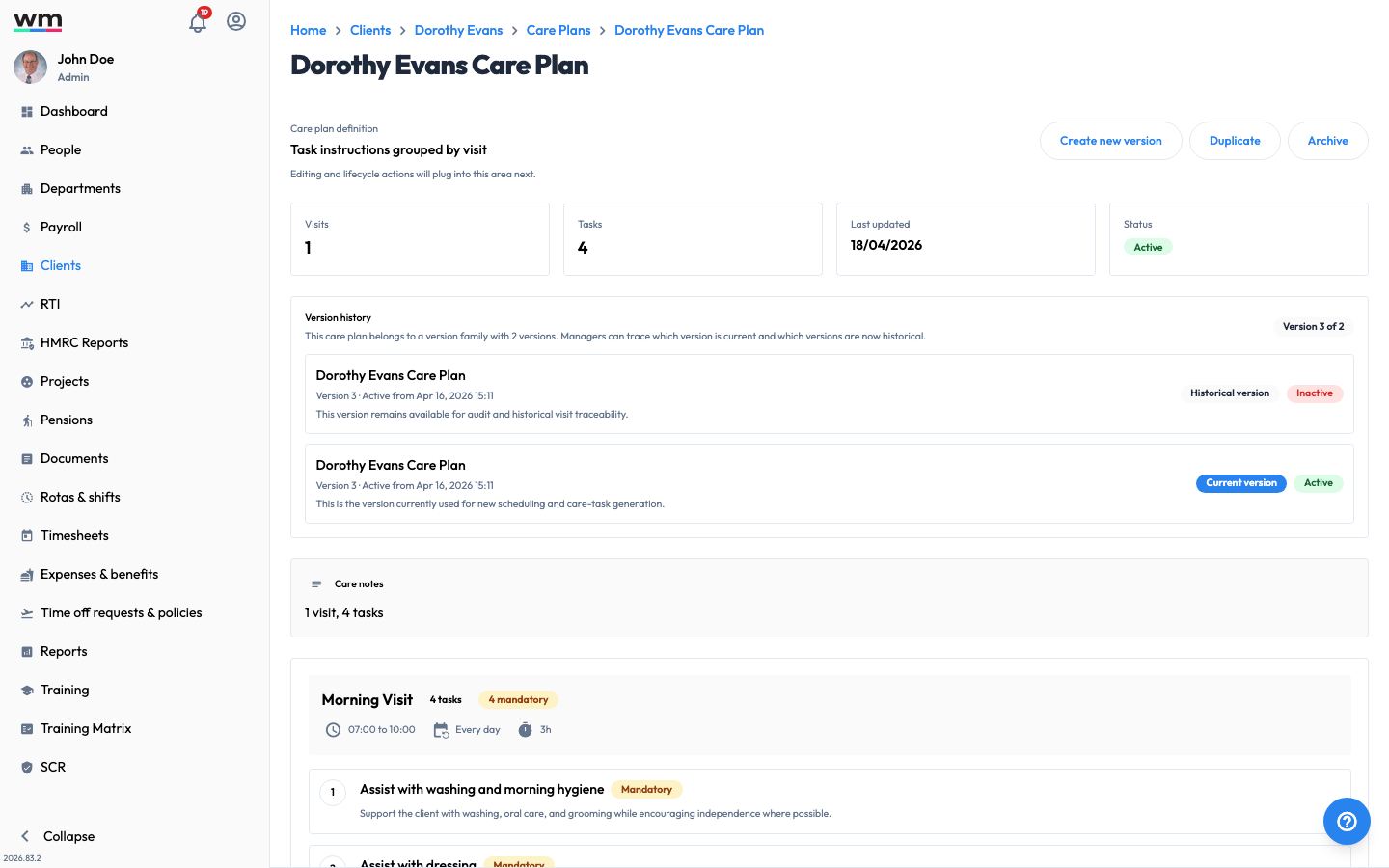 A care plan's detail view, showing its visits, tasks and version history.
Activate a Care Plan
To activate a care plan, follow these steps:
- Sign in to your "Workmax" account with a manager or admin account.
- Go to the "Clients" section and open the client.
- Open the "Care Plans" tab.
- In the care plans table, click on the plan you want to activate. Its status will be shown as Draft.
- Review the plan's visits and tasks.
- Click on the "Activate plan" button.
Workmax will make the plan the client's active care plan. From this point, the plan's visits and tasks are available for delivery, and each task is recorded in the client's care history. If you have any questions or need help, please contact Workmax Support.