My Account
Overview
My Account is where you manage your own profile and, if you are an admin, configure your whole organisation. It is organised into the same sections you see in the app: Basic details, Company details, Plan & billing, Company settings, HMRC details, Pay calendars, Year to date figures and Team.
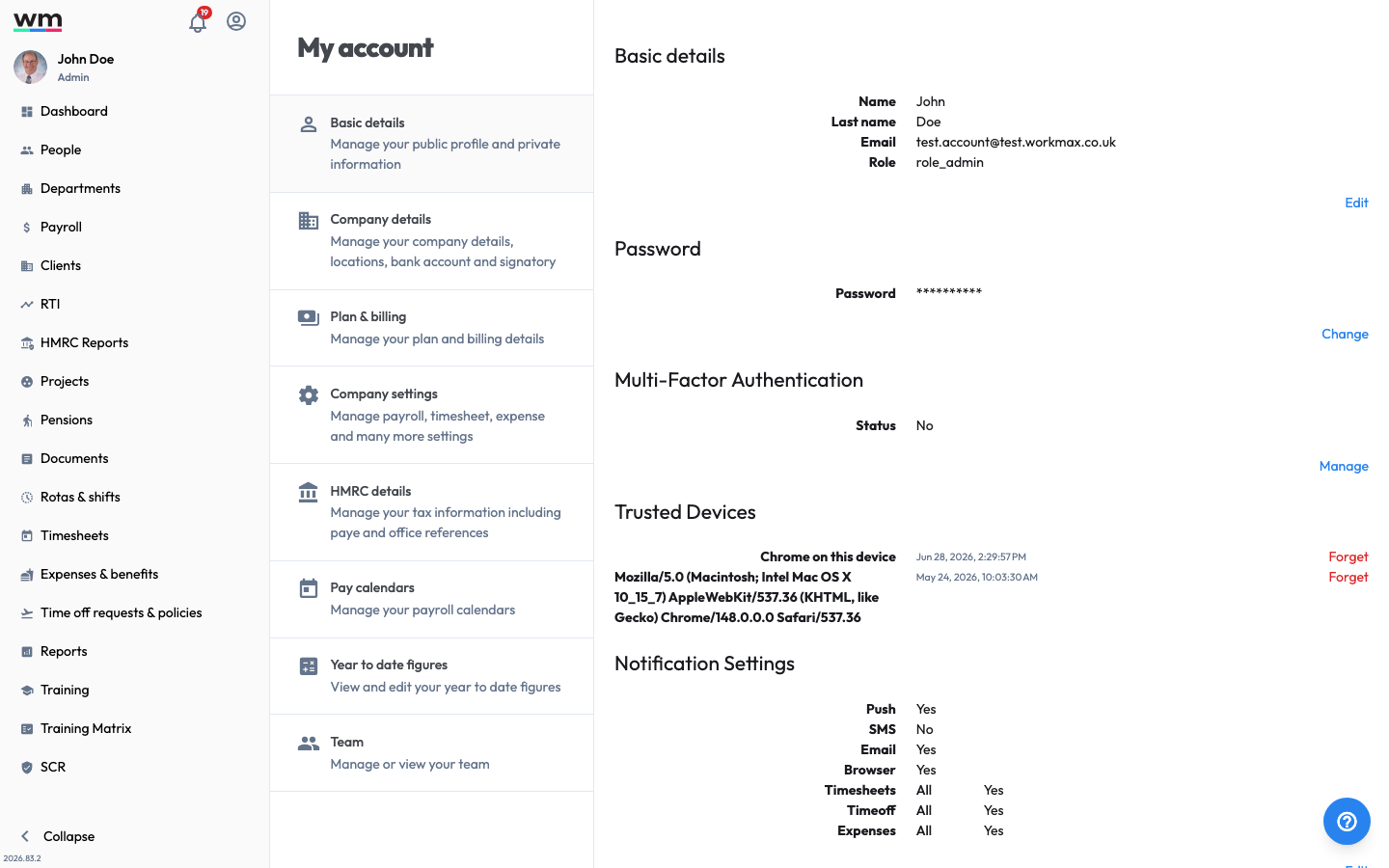 The My account area, with sections for your profile and company configuration.
To open it, sign in and select My Account.
Basic details
Manage your own profile and security.
- Basic details: Update your profile, and manage security and trusted devices.
- Change Password: Change your account password.
- Notification Settings: Choose how and when Workmax notifies you.
Company details
Manage your company information and defaults.
- Company Details: Update your company details.
- Working Schedule and Holiday Year: Set your company's working pattern and holiday year.
- Company locations: Manage your company locations.
- Add a Company Signatory: Add a company signatory.
- Change a Company Signatory: Change a company signatory.
Plan & billing
Manage your subscription and invoices.
- Change Your Plan: Add or remove modules and change your plan.
- Download an Invoice: Download an invoice.
- Cancel Your Account: Cancel your account.
Company settings
Configure how Workmax works for your organisation — payroll, payments, timesheets, scheduling, expenses, time off, HR and care.
- Company Settings: Overview of all company settings, including the new care and wallet options.
HMRC details
- HMRC Details: Update your PAYE and tax references.
- RTI Details: Update your Real Time Information (RTI) details.
Pay calendars, figures and team
- Pay Calendars: Manage your pay calendars.
- Update Company Year To Date Figures: View and edit your year-to-date figures.
- Team: Manage your admins and their permissions.