Report an Incident
Report an incident to record something that happened during care, such as a fall, a medication issue or a safeguarding concern. Record the incident accurately, including what happened, who was involved, and what actions were taken — it will be added to the client's care history and may be used for compliance reporting.
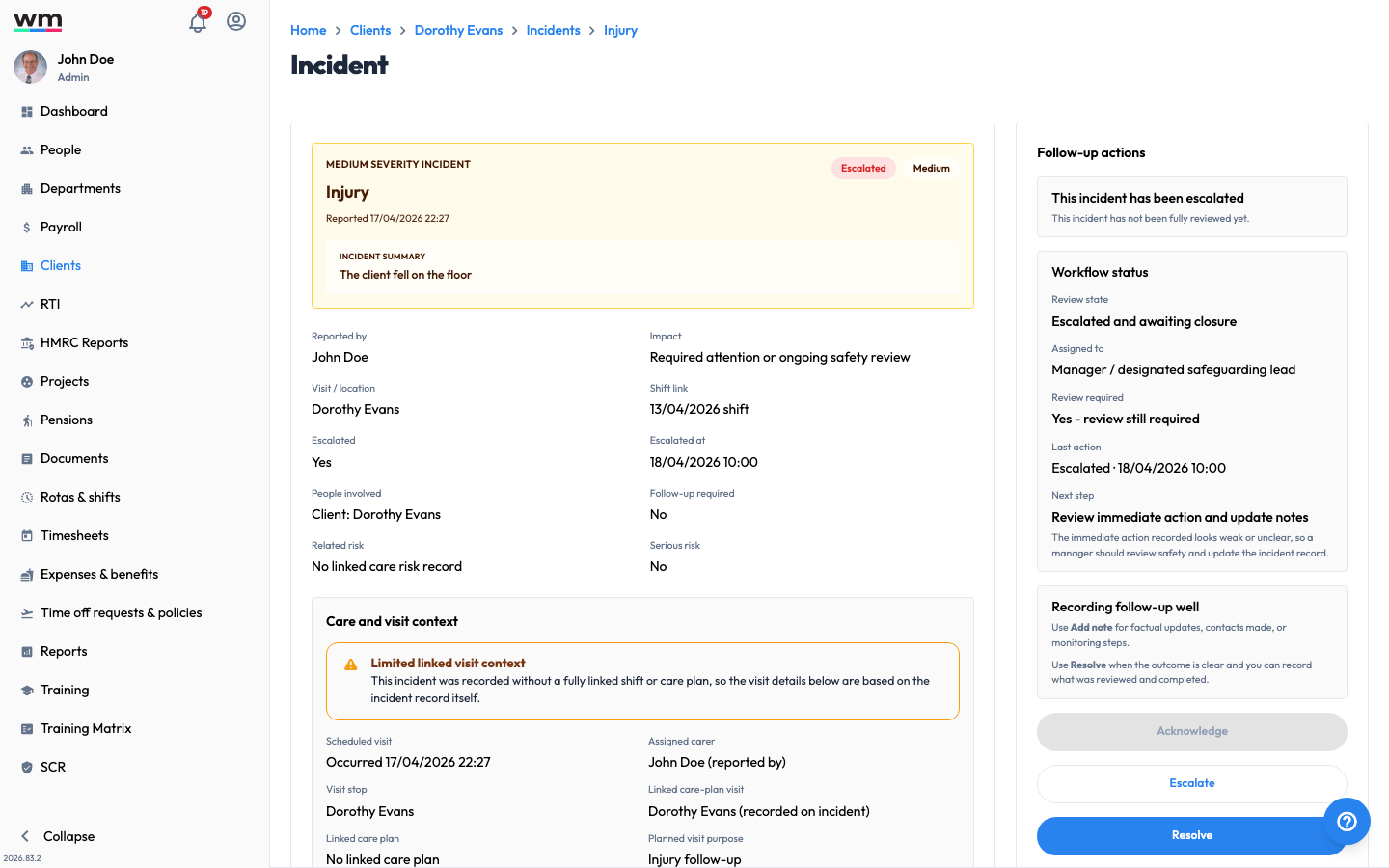 An incident record, with its details, workflow status and follow-up actions.
Report an Incident
To report an incident, follow these steps:
- Sign in to your "Workmax" account with a manager or admin account.
- Go to the "Clients" section and open the client.
- Open the "Incidents" tab and click on the "Create Incident" button.
- Details — record the basics:
- Incident type (Fall, No answer at door, Medication issue, Behaviour incident, Injury, Safeguarding concern, Hospital admission, or Other)
- Severity (Low, Medium, High or Critical)
- Incident date and Incident time
- Click on the "Continue" button.
- Context — link the incident to the care it relates to (all optional):
- Linked shift — the visit during or after which it happened
- Visit location
- Linked care risks — any stored risks this relates to
- People involved — the client, assigned staff, and anyone else (one person per line)
- Click on the "Continue" button.
- What happened — enter a clear Description of the event, with enough detail for another manager to understand it without chasing more context. Click on the "Continue" button.
- Actions & Evidence — record your response:
- Immediate action taken
- Follow-up required — tick this if the office, manager or wider team needs to do something next, and add Follow-up notes
- Attachments — add photos or PDFs (JPG, PNG or PDF, up to 5MB each)
- Click on the "Continue" button.
- Review — check each section (use the "Change" links to jump back and edit).
- Click on the "Submit incident" button.
Workmax records the incident against the client with a status of Open, ready to be acknowledged and followed up. If you have any questions or need help, please contact Workmax Support.