Basic Details
Basic details is your personal profile in Workmax. From here you can update your name and contact information, change your password, set up multi-factor authentication, manage trusted devices, and control your notification preferences. Everyone with a Workmax account has a Basic details page.
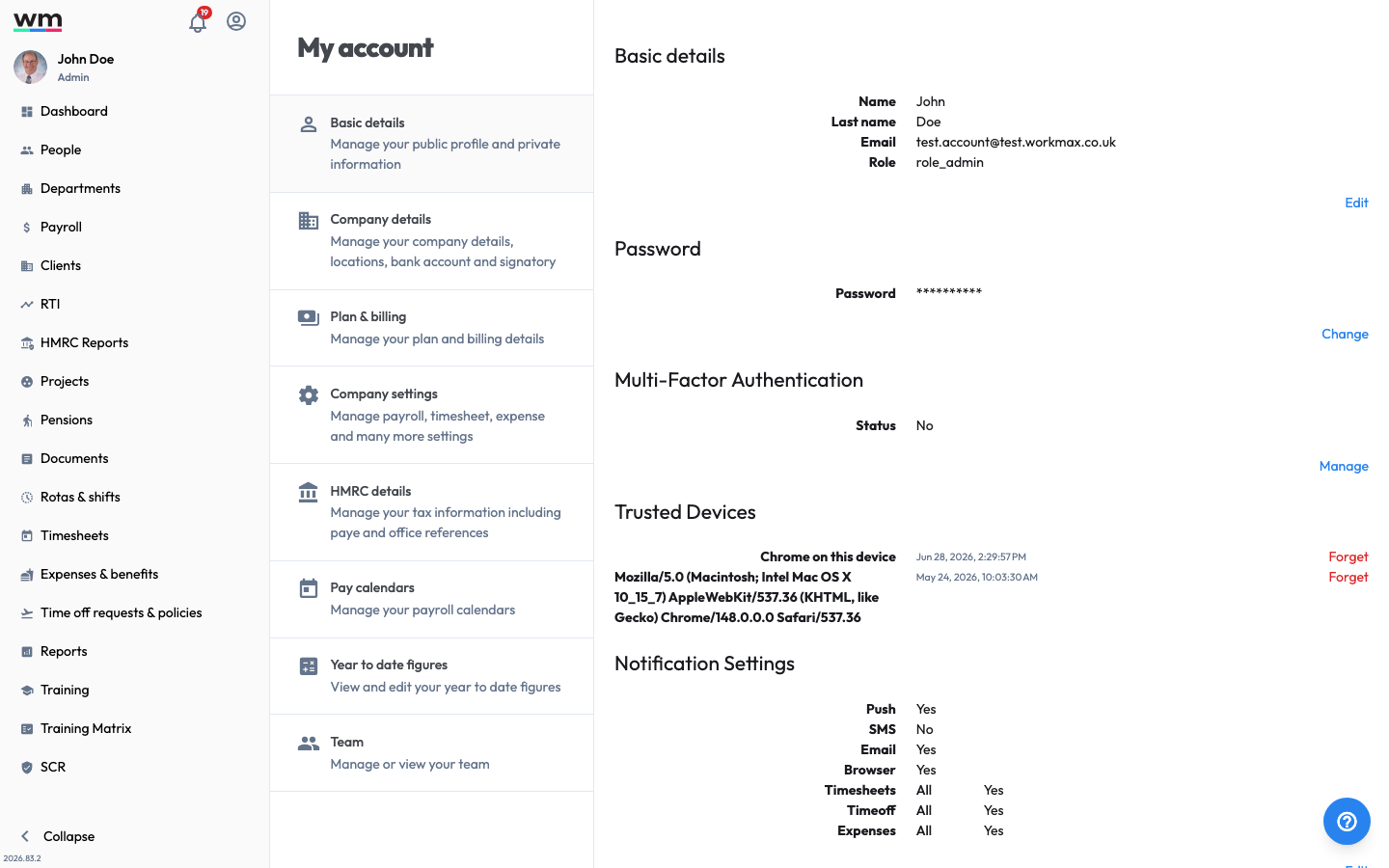 The Basic details page, your personal profile and security settings.
Update your Basic Details
To update your basic details, follow these steps:
- Sign in to your "Workmax" account.
- Go to "My Account" and select "Basic details".
- In the "Basic details" card, click on the "Edit" button.
- Update your details (such as your name and email), then save.
Secure your Account
From the Basic details page you can also:
- Change your password — in the "Password" section, click on the "Change" button. See Change Password for the full steps.
- Set up multi-factor authentication (MFA) — in the "Multi-Factor Authentication" section, click on the "Manage" button to add an extra layer of security at sign-in.
- Manage trusted devices — review the devices that can skip MFA, and click "Forget" on any you no longer use.
Notification Preferences
Your notification settings are also shown here. To change them, see Notification Settings.
If you have any questions or need help, please contact Workmax Support.