Notification Settings
Notification settings let you choose how and when Workmax notifies you. You can control the channels you receive notifications on, and which events you are notified about.
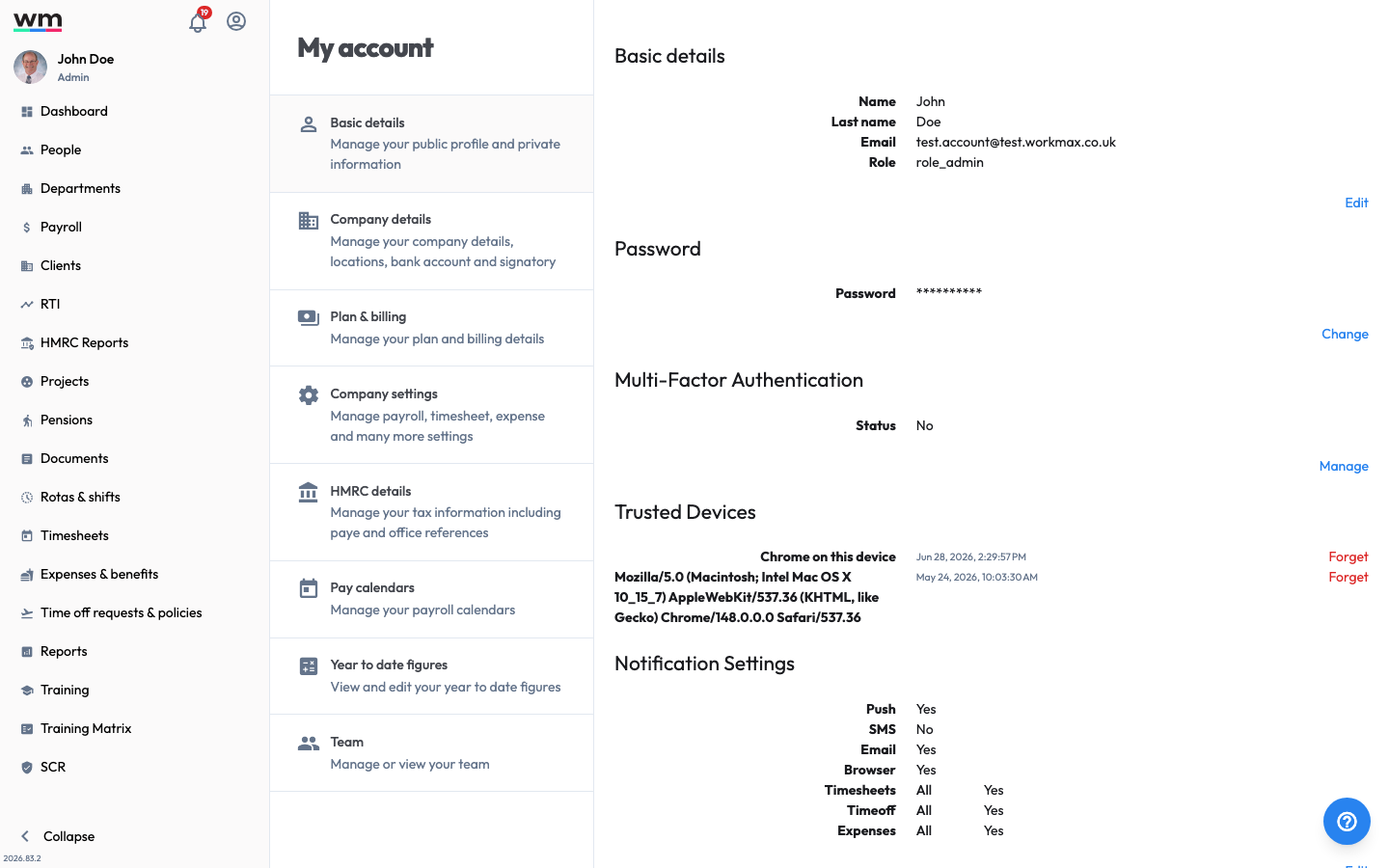 Notification Settings, where you choose your channels and which events notify you.
Update your Notification Settings
To update your notification settings, follow these steps:
- Sign in to your "Workmax" account.
- Go to "My Account" and select "Basic details".
- In the "Notification settings" section, click on the "Edit" button.
- Choose your preferences:
- Channels — Push, SMS, Email and Browser.
- Timesheets — which timesheet events to be notified about (All, Submitted, Approved or Rejected).
- Time off — which time off events to be notified about.
- Expenses — which expense events to be notified about.
- Save your changes.
Workmax will update your notification preferences. If you have any questions or need help, please contact Workmax Support.