Add a Cost Centre
Cost centres are the payroll cost codes you can assign to employees and export in your payroll journals, so you can track and report payroll spend by area of your business (for example Finance or Operations).
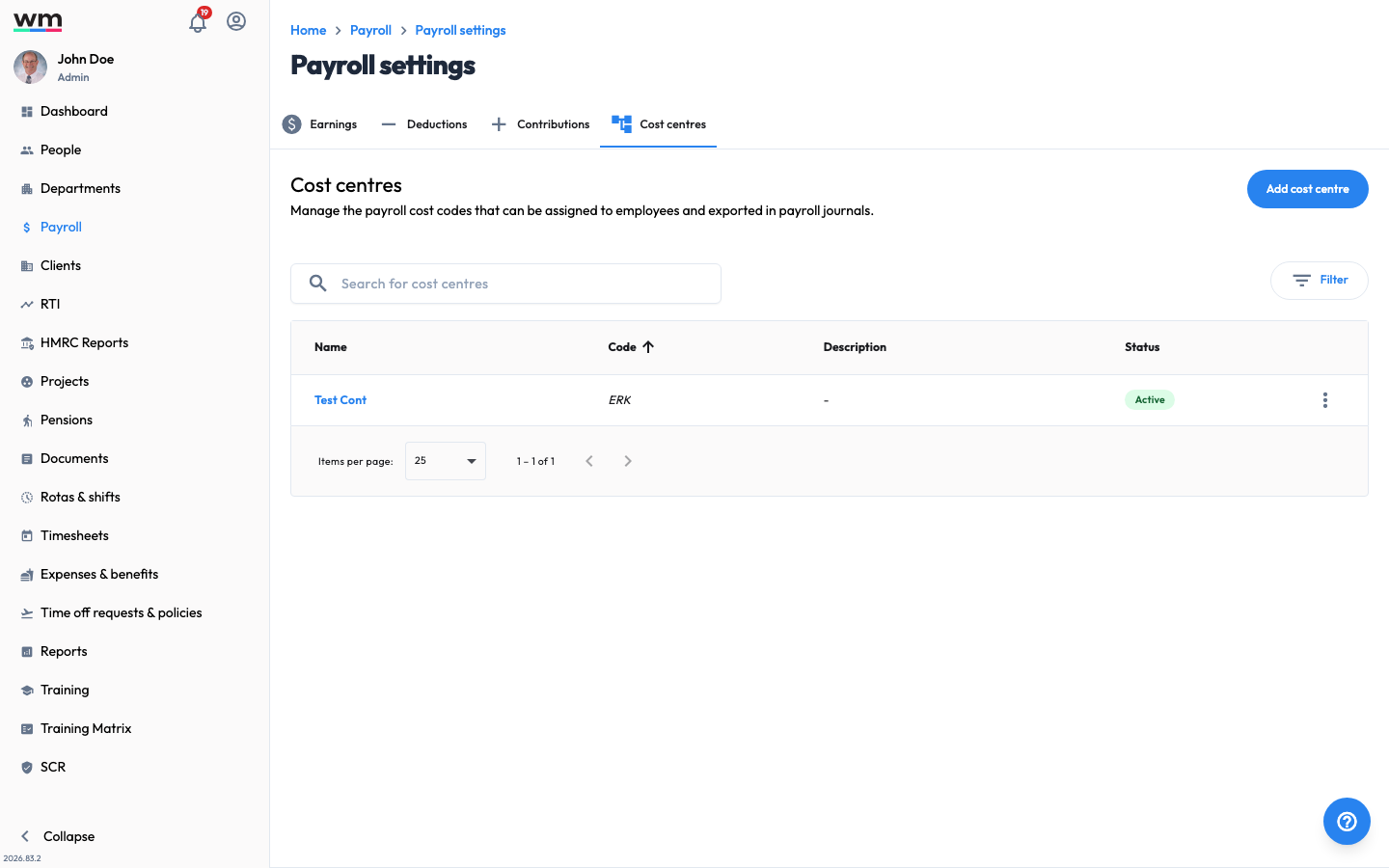 The Cost centres tab under Payroll Settings.
Add a Cost Centre
To add a cost centre, follow these steps:
- Sign in to your "Workmax" account with a manager or admin account.
- Go to the "Payroll" section.
- Click on the "Payroll settings" link.
- Click on the "Cost centres" tab.
- Click on the "Add cost centre" button.
- Enter the cost centre details:
- Name of cost centre — the name shown when assigning a cost centre to an employee (for example "Finance").
- Code of cost centre — used as the payroll journal cost code and saved on employee records (for example "FINANCE"). Codes must be unique.
- Description (Optional) — internal notes about where the cost centre should be assigned.
- Click on the "Save cost centre" button.
Workmax will create the cost centre, ready to assign to employees. If you have any questions or need help, please contact Workmax Support.