View the Org Chart
The org chart gives you a visual view of your organisation's reporting lines, built from the manager assigned to each person. It's a quick way to see how your team is structured.
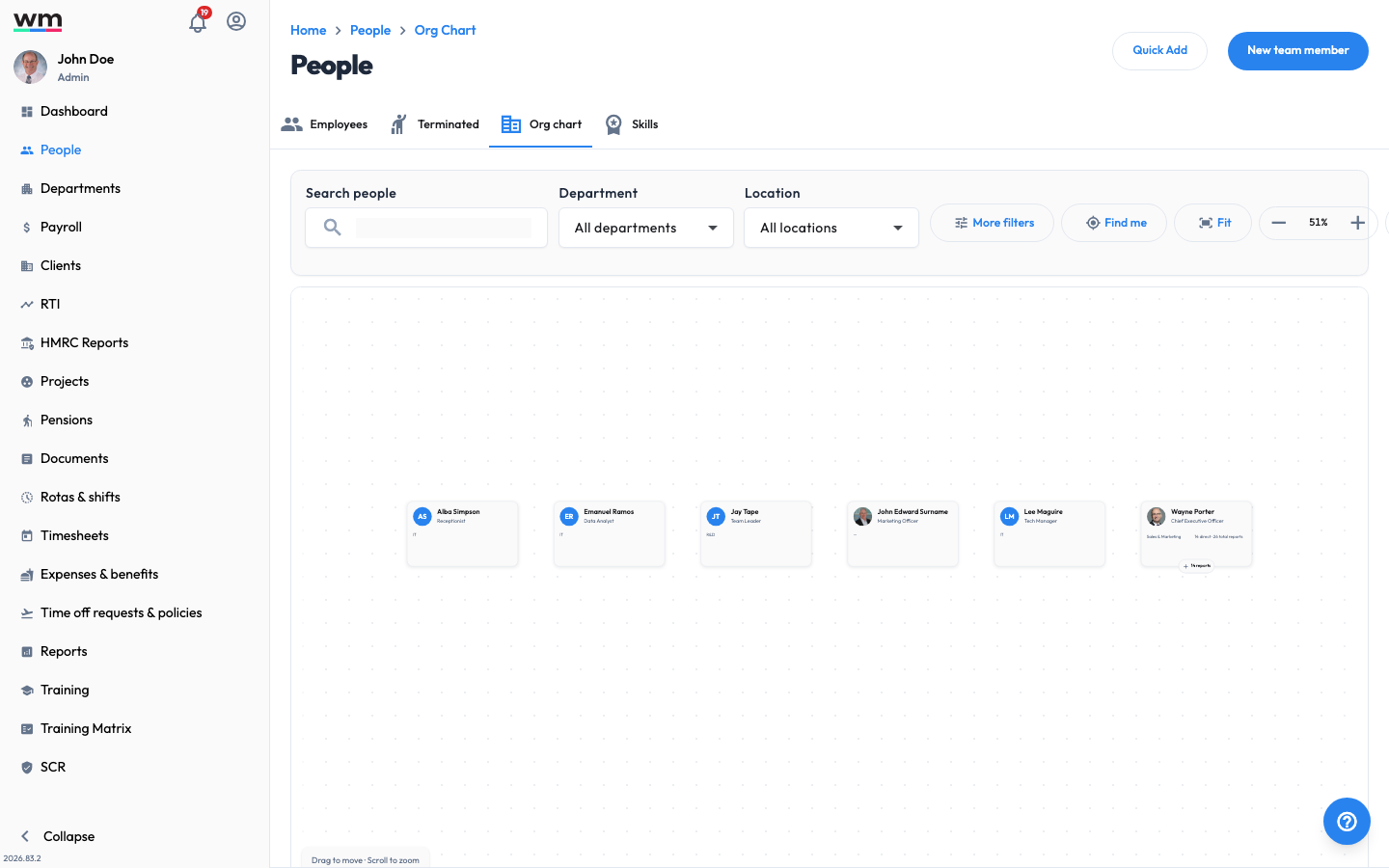 The Org chart, a visual view of your organisation's reporting lines.
View the Org Chart
To view the org chart, follow these steps:
- Sign in to your "Workmax" account with a manager or admin account.
- Go to the "People" section.
- Open the "Org chart" tab.
- The chart shows each person with their photo, name and job title, arranged by who they report to. You can pan and zoom to explore larger structures.
- Click on a person's name to open their profile.
The org chart is built from the manager set on each person's job details. To change where someone appears, update their manager in their job details. If you have any questions or need help, please contact Workmax Support.